> ## Documentation Index
> Fetch the complete documentation index at: https://rive-layout-animation.mintlify.site/llms.txt
> Use this file to discover all available pages before exploring further.
# Layout Animation
> Animate how children reposition when content reflows within a Layout.
export const Marketplace = ({href, children}) => {
const hrefWithTracking = `${href}?utm_source=docs&utm_medium=docs_link_card&utm_campaign=docs_to_marketplace_links`;
return
{children ? children : "Open this file on Marketplace, then click Remix to experiment in the Rive Editor."}
;
};
export const VideoEmbed = ({src}) => {
return
;
};
When a Layout resizes or its content changes, its children may move to new positions. Layout animation controls how children transition to their new positions, including the duration and easing.
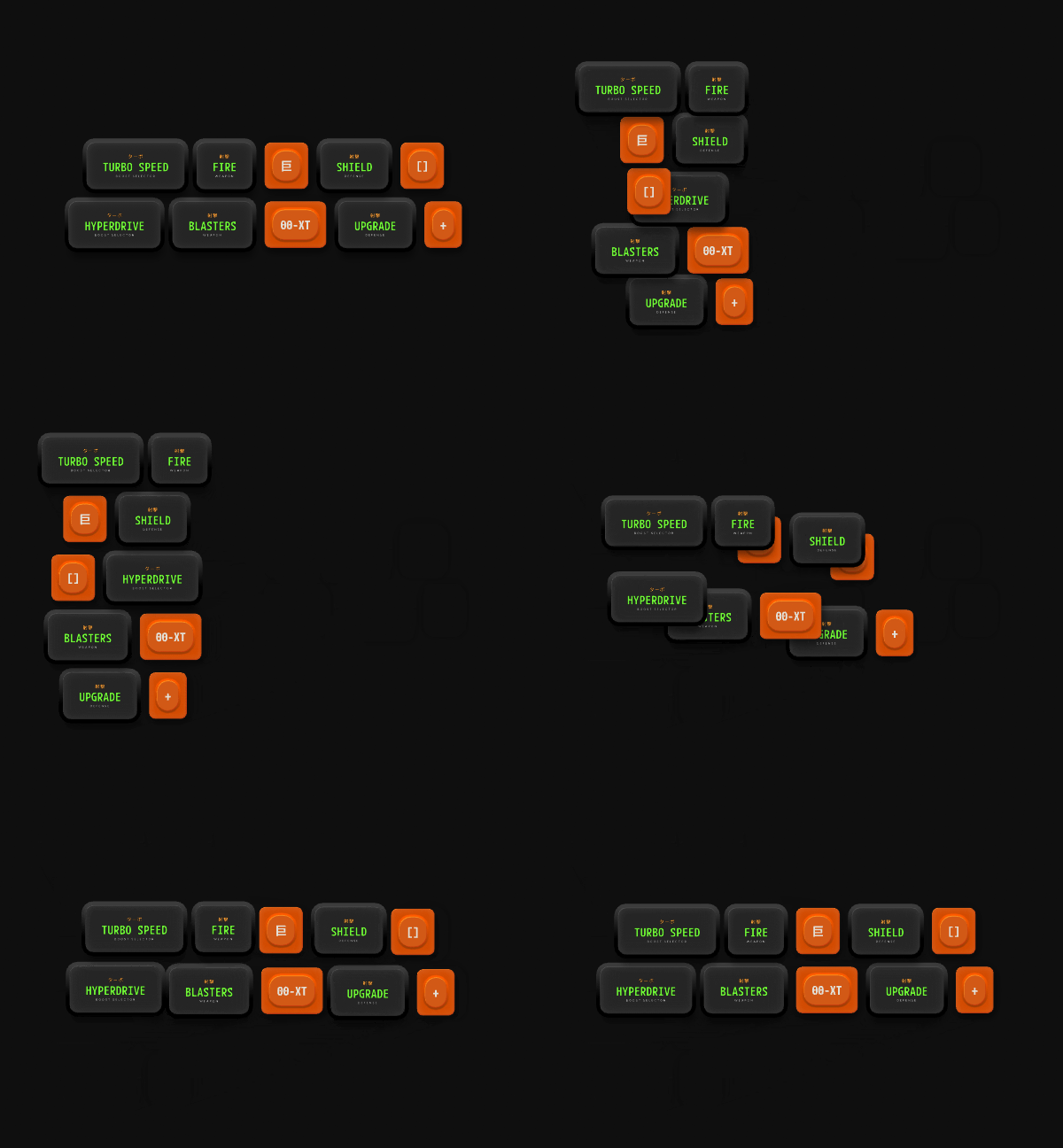 ## Adding Layout Animation
Select a **Layout** and click the **+** button in the **Enable Layout Animation** section of the Inspector.
* **None:** Disable Layout animation.
* **Inherit:** Use the Layout animation settings from the parent Layout.
* **Custom:** Define Layout animation settings for the selected Layout.
If you select **Custom**, set the duration and easing for the animation.
## Adding Layout Animation
Select a **Layout** and click the **+** button in the **Enable Layout Animation** section of the Inspector.
* **None:** Disable Layout animation.
* **Inherit:** Use the Layout animation settings from the parent Layout.
* **Custom:** Define Layout animation settings for the selected Layout.
If you select **Custom**, set the duration and easing for the animation.